Storage Visualizer
See what's taking up space on your drives, as a treemap or a sunburst.
About
My computer's 1 TB drive had filled up, and hunting through folders by hand to find what was using the space took ages. So I built this to show where it all goes at a glance, and make freeing up space quick.
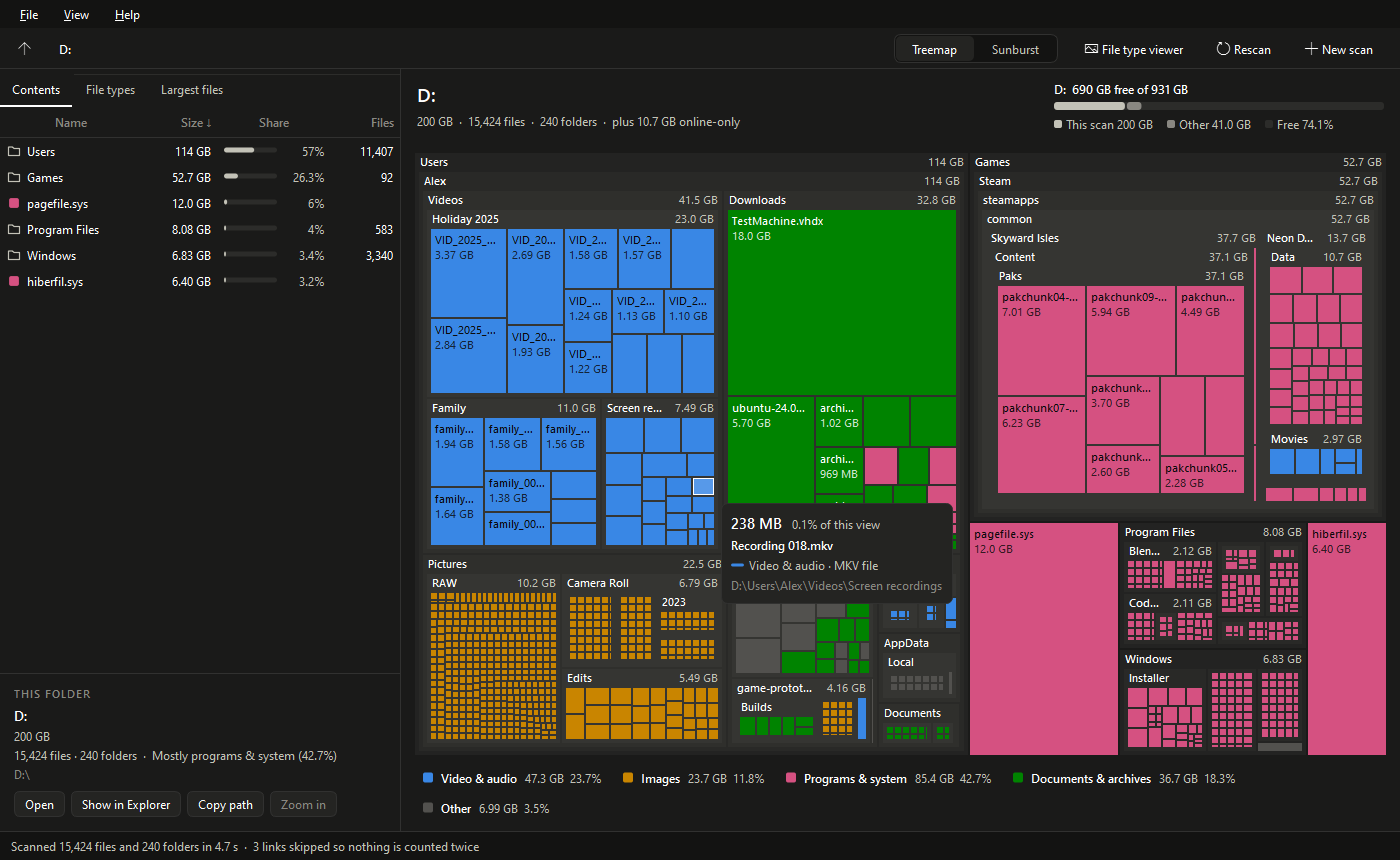
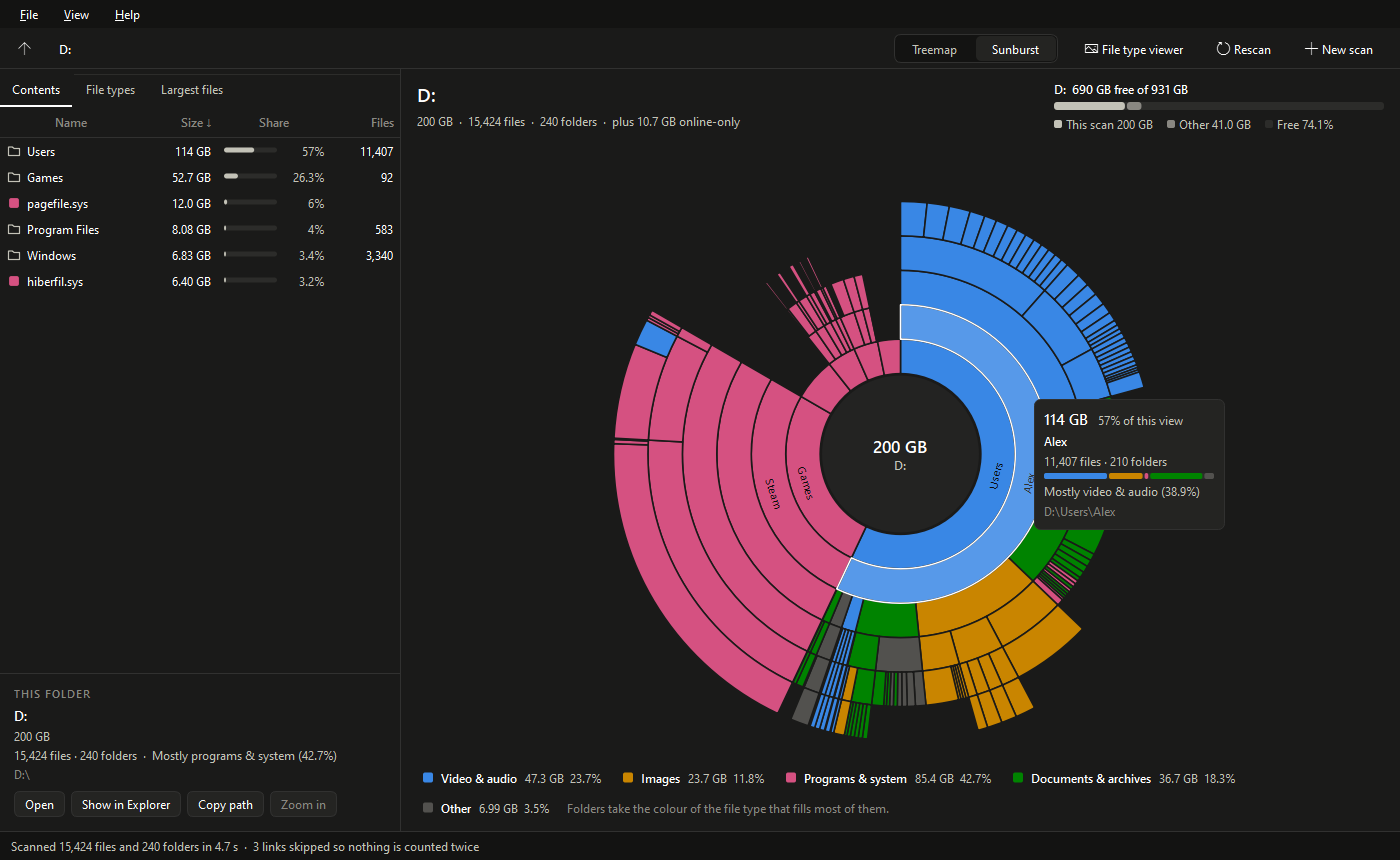
Scan a drive or a folder, then explore it as a treemap, where every file is a rectangle sized by its bytes and nested inside its folders, or as a sunburst of rings around the folder you're in. Tables alongside list what's in the current folder, the total for each file type, and the largest files anywhere below it.
Hover for details and double-click to zoom in. Right-click opens a file, shows it in Explorer, copies its path, or highlights every file of the same type. The colours were checked pair by pair for colour-blind viewers in both the light and dark themes, and four was the most that passed.
File type viewer
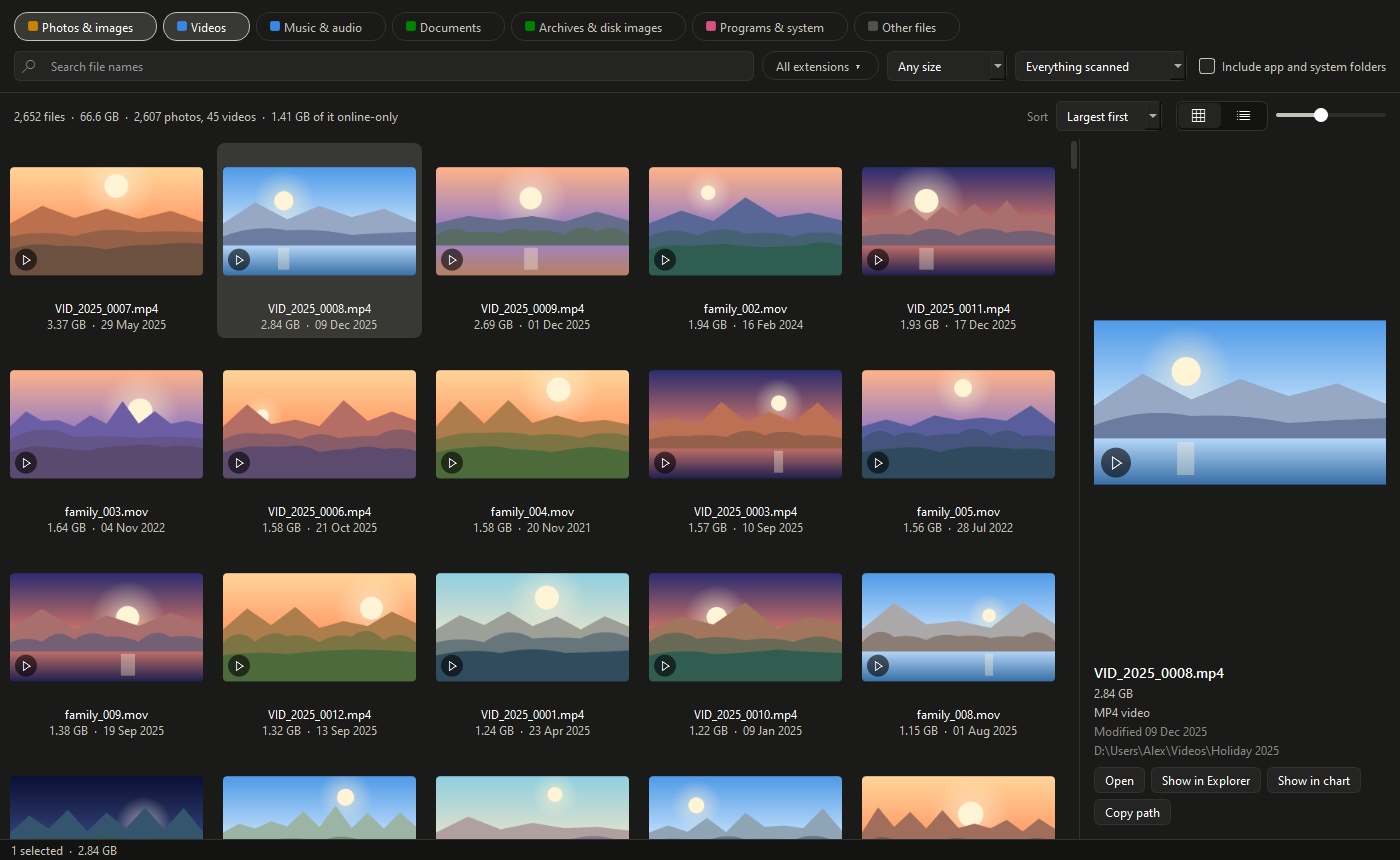
Every photo, video or other kind of file in the scan, in one window. The thumbnails are the ones Windows Explorer shows, so videos show a frame and HEIC or camera RAW photos work too. App and system folders are skipped unless you ask for them, so your own photos aren't buried under thousands of app icons and game textures.
OneDrive files that are only online still show up, with a cloud mark, but browsing never downloads them.
Speed
Scanning all of C:, 2 million files in 380,000 folders, takes about a minute, reading eight folders at once. On that scan the file type viewer finds all 25,000 photos and videos in under a tenth of a second, because it skips every folder whose totals show none of the kinds asked for.
The scanning and layout code never imports Qt. The views just draw the tiles and rings it hands them, so the core is tested on its own with pytest.